Anchor Grids · Beta
How Anchor Grids works
Learn the Anchor Grids workflow: sign in, choose paper or live slots, create a bot, review allocations, and monitor its status.
1. Choose paper or live trading
Sign in with Google and review the available plans. Paper bots trade simulated funds; live bots trade real funds in your exchange account. A paper subscription is paid even though its trades are simulated.
2. Create a saved bot in the Bridge
The Bridge separates paper and live bots. Choose an available market and create a bot within your slot allowance. Each slot holds one saved bot, including a stopped bot.
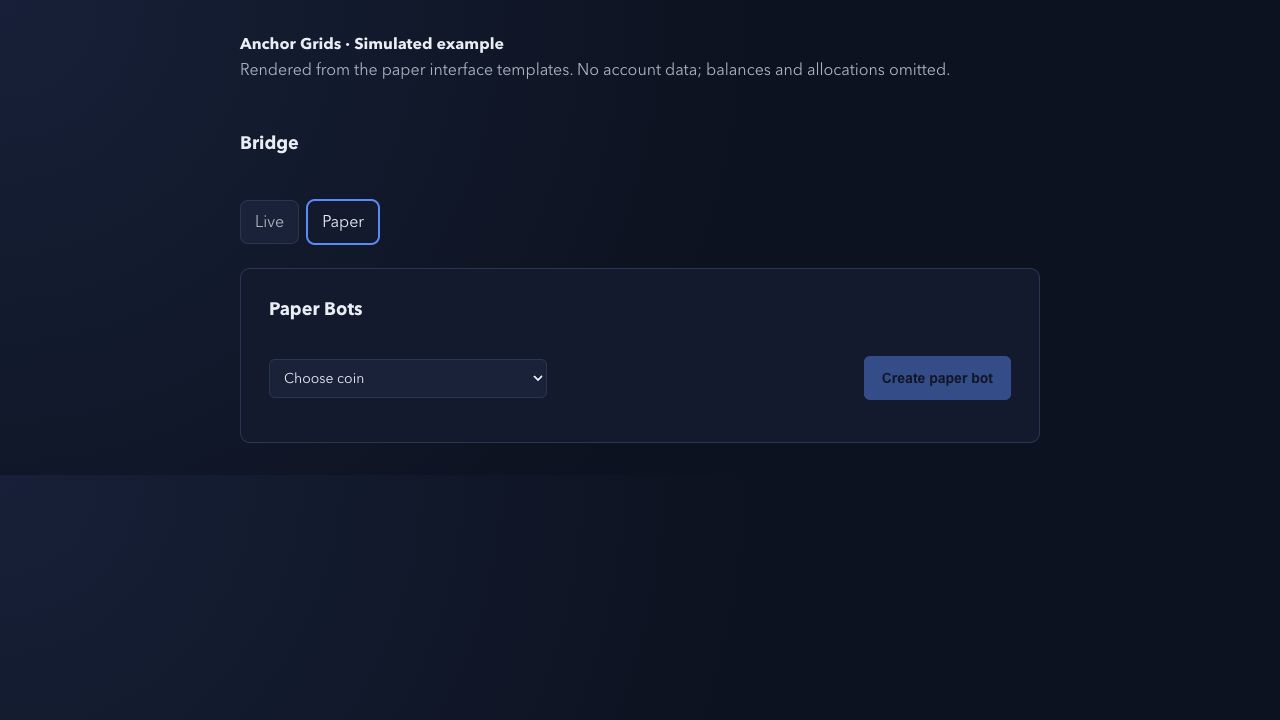
3. Review the wallet and allocation
For paper practice, enter the holdings you want to simulate and review the paper trading fee. For live trading, add and verify your Binance US credentials in Profile. Use the Calculator to review the proposed allocation and buy or sell action before confirming. Live allocation actions involve real funds.
Follow the Binance US API key setup guide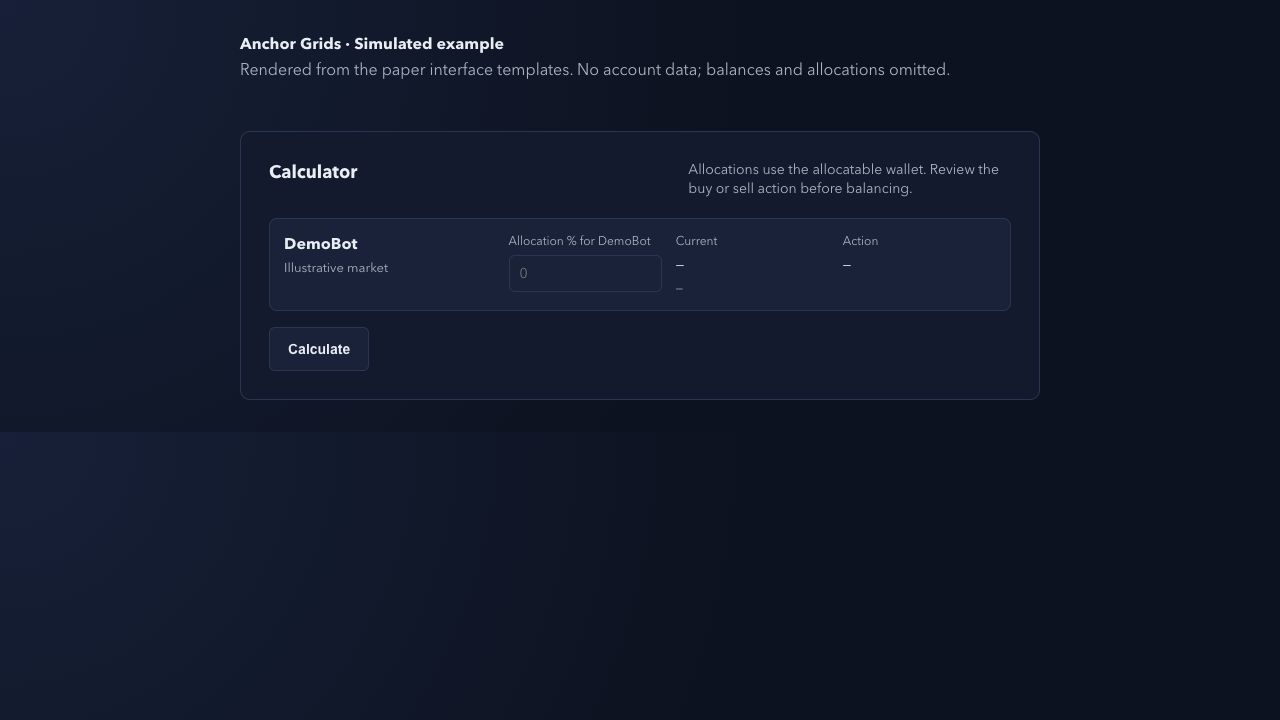
4. Monitor and manage your bots
The dashboard lists bots, markets, status, and links to individual bot stats. Manage bots from the Bridge. Hosting runs the bot workflow without a server for you to manage; it does not guarantee returns.
Start with a workflow you understand
Paper practice can help you learn the interface. Simulated results do not establish live performance: fees, market conditions, execution, and outages can affect results.
Understand paper tradingProduct facts reviewed 2026-10-07. Source-linked public facts. Check current plans for beta billing terms.